Integrations > Microsoft Outlook | Office 365

Track whether candidates have accepted your interview invitation
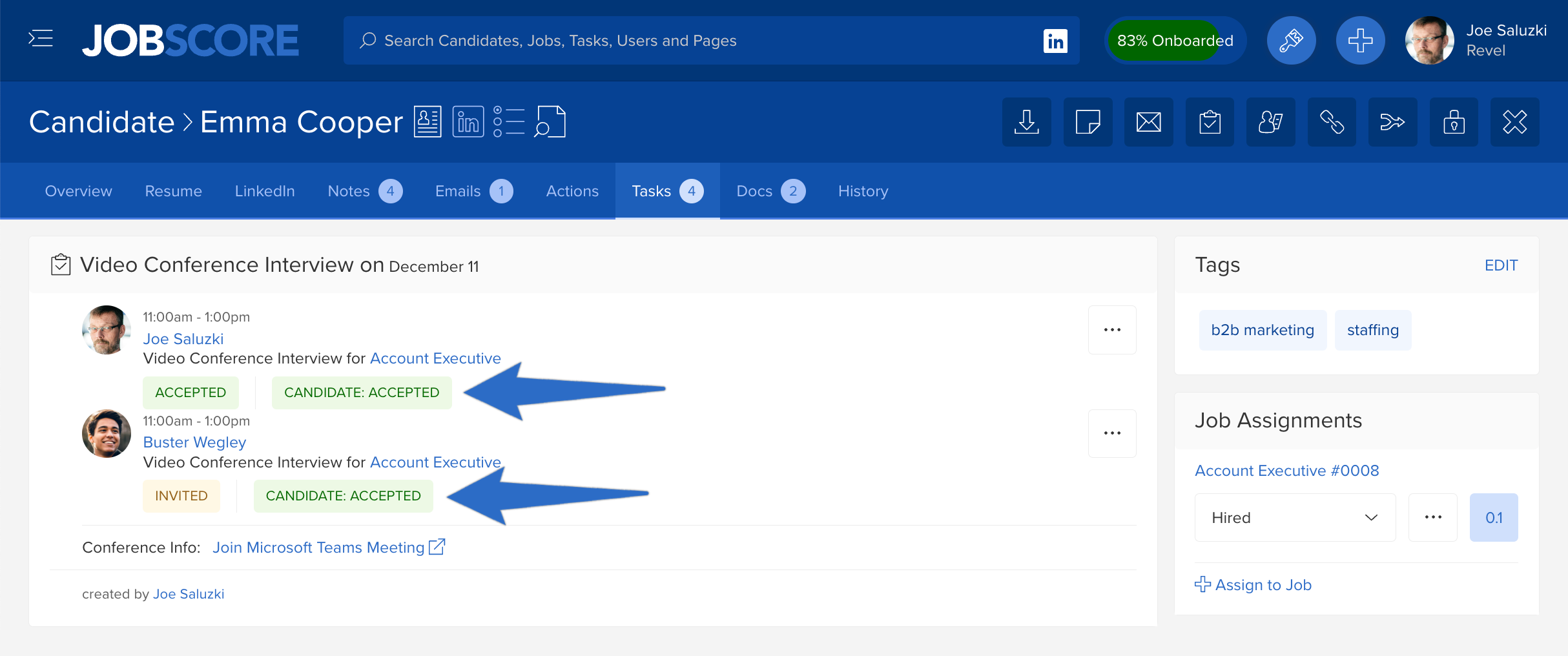
JobScore creates events directly on your team’s calendars with links to start interviews
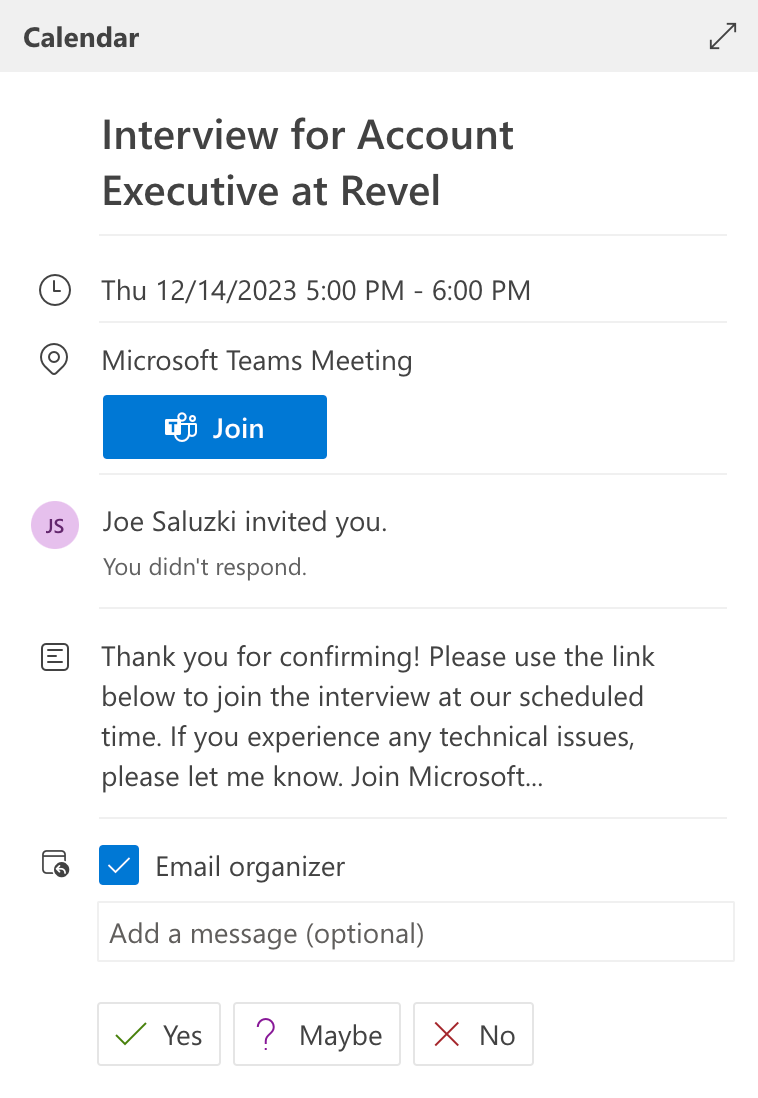
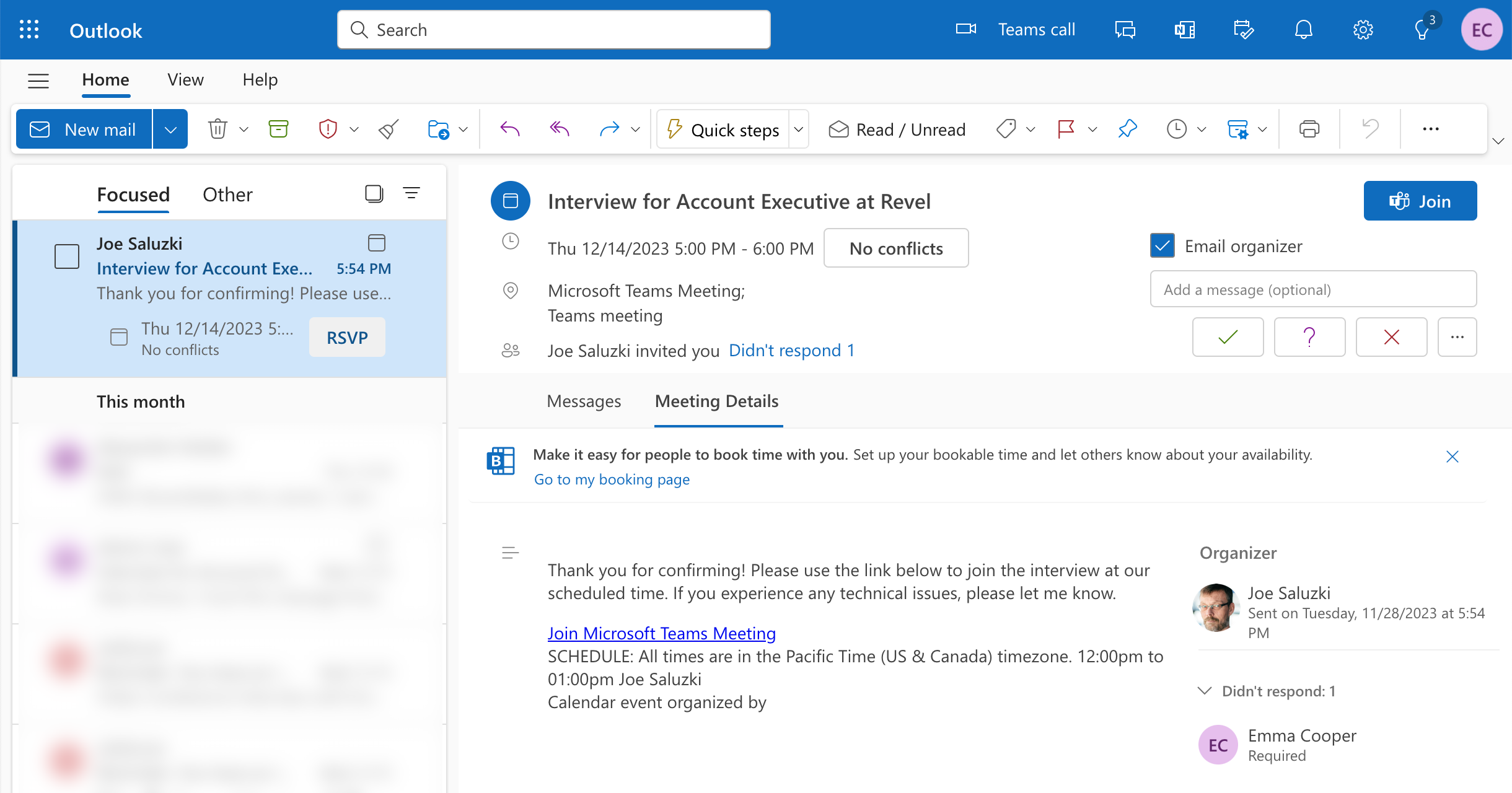
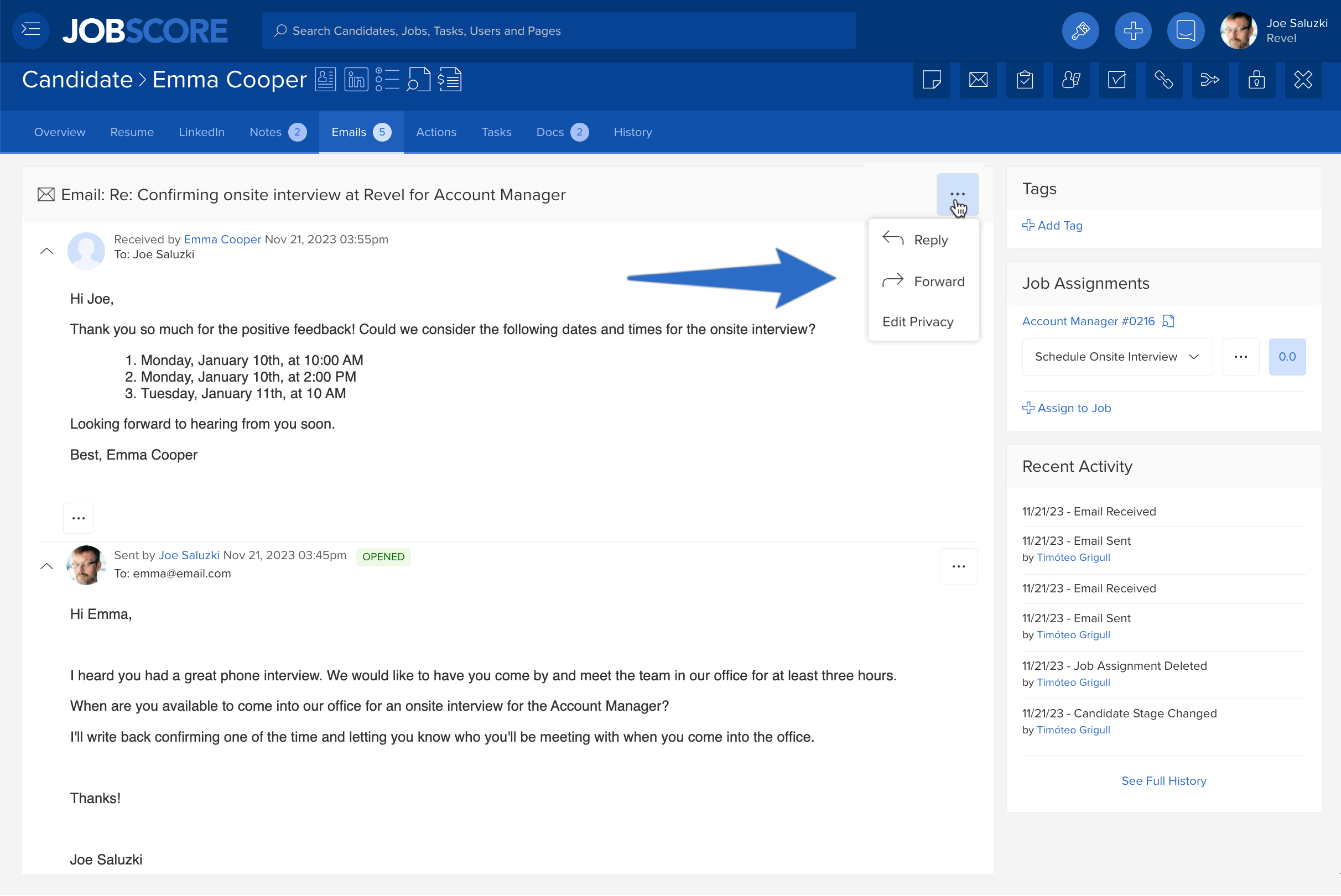
Email the invitation to your candidate
JobScore automatically tracks all emails you exchange with candidates
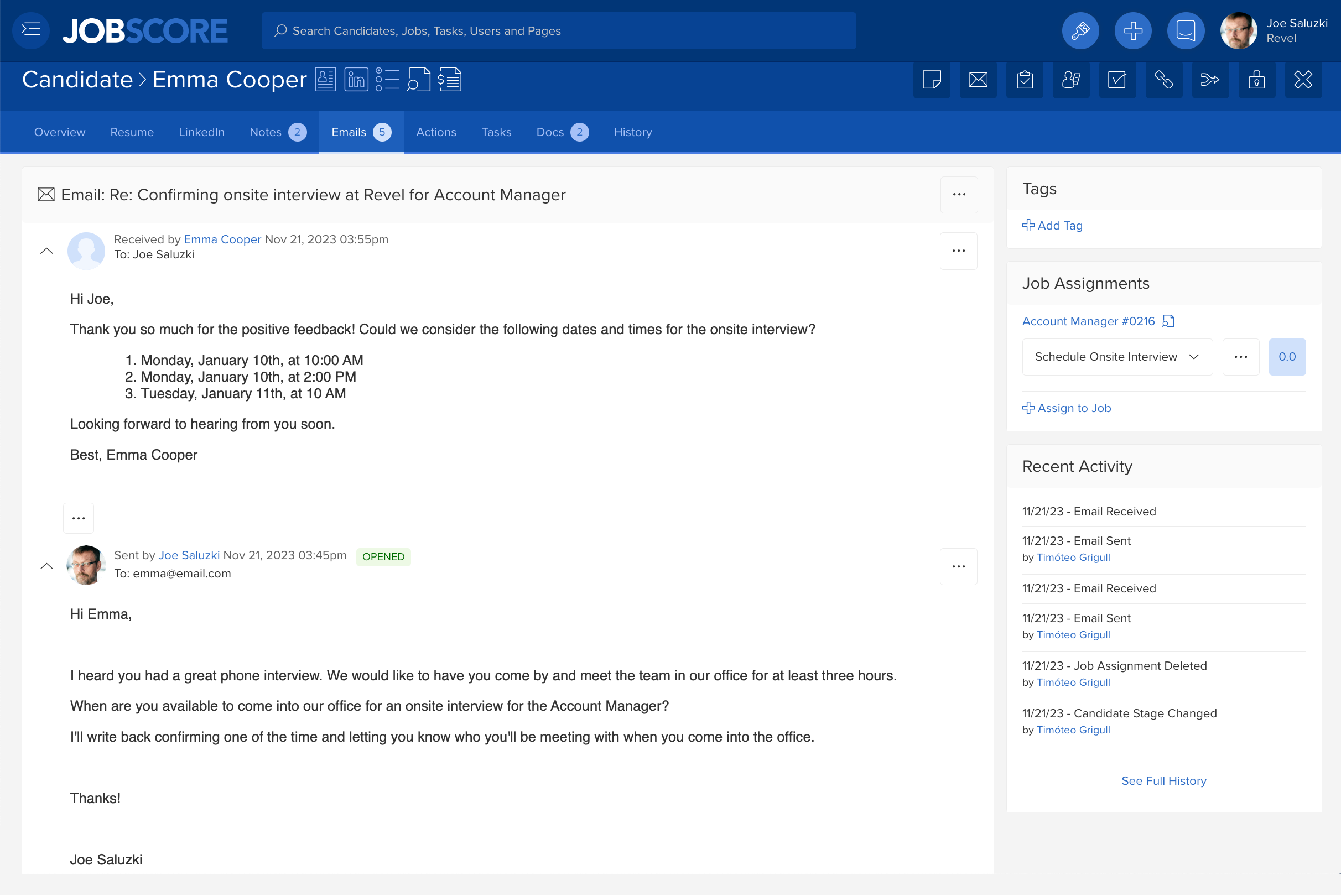
You can reply, reply all, and forward emails from JobScore
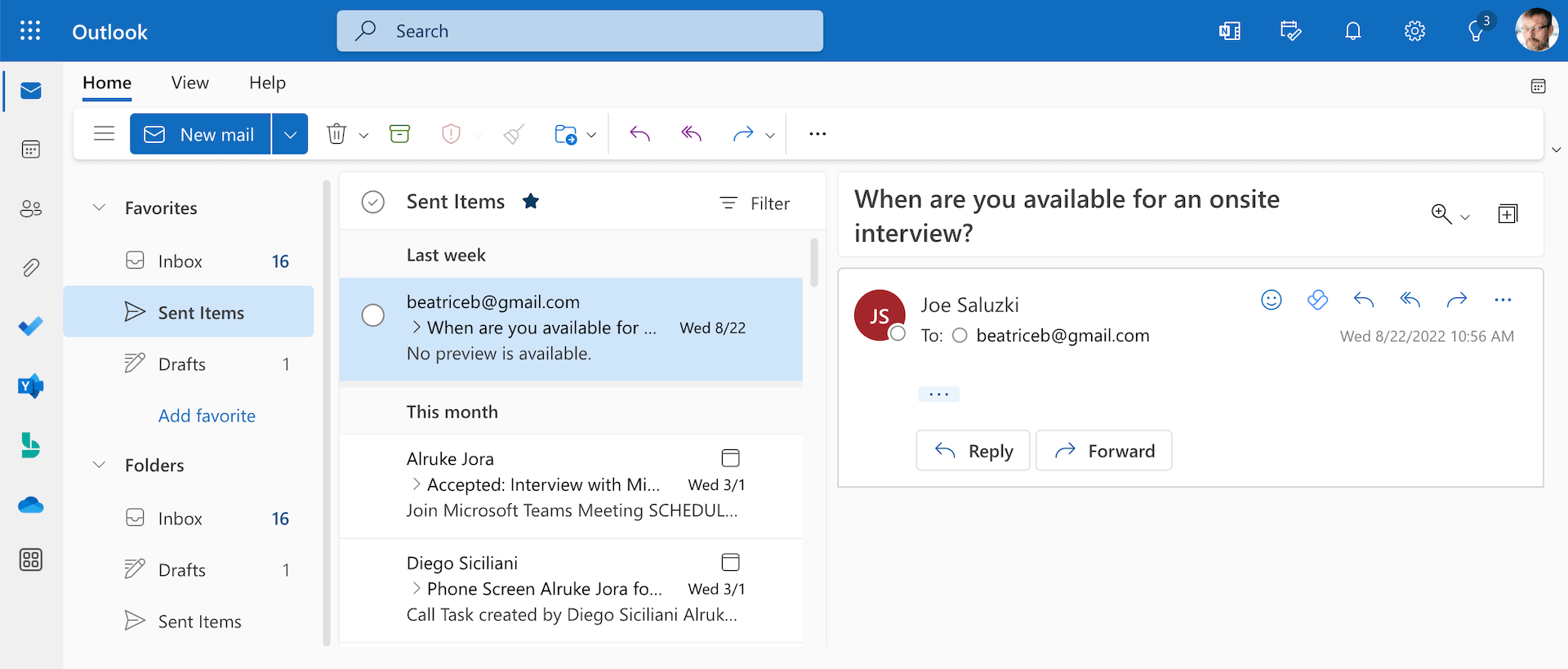
All emails you send from JobScore will appear in your Outlook sent items folder
Calendar and scheduling
The Microsoft Outlook Calendar integration allows you to create appointments, events, and meetings with others.
What the Microsoft Outlook Calendar integration with JobScore does
The benefits of integrating Microsoft Outlook Calendar with JobScore
Email synchronization
Microsoft Outlook helps you organize email, share your calendar, schedule meetings, and share files.
What the Microsoft Outlook email integration does
The benefits of integrating Microsoft Outlook email with JobScore
Frequently asked questions
Yes. Connected calendars pull in resource mailboxes, allowing you to secure meeting rooms and interview spaces while setting up events inside JobScore.
Yes. You can overlay multiple schedules simultaneously to find shared free openings and send group invites in one click.