Automations help your team save time, but they require effort to set up and get them working just right.
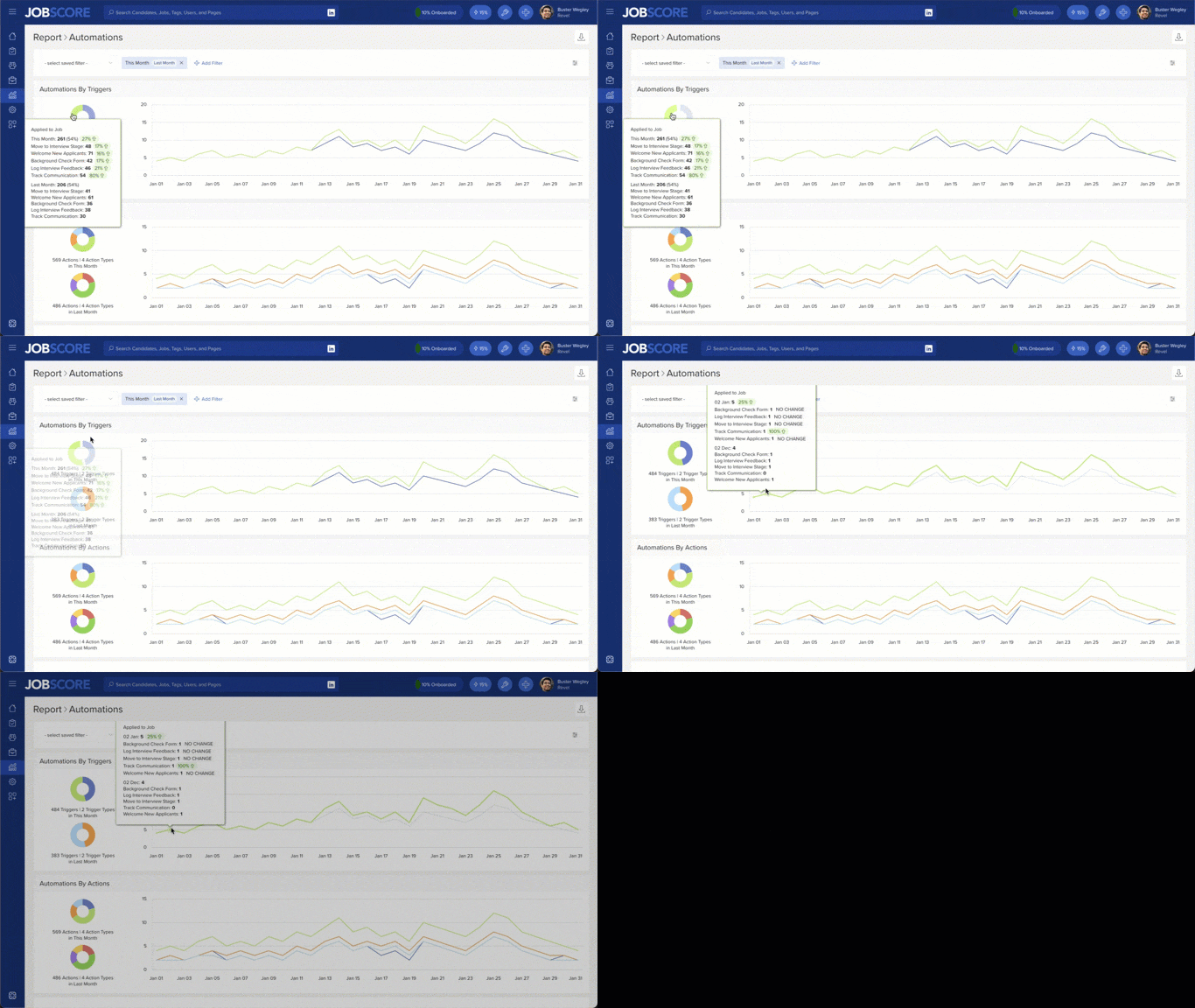
Our new automations report helps you identify opportunities to improve by seeing how much you’re using automations. It includes 2 charts:
- Automations by Trigger: Shows the total number of automations run and a breakdown of which triggers caused automations to run. Hover to see which specific automations drove activity.
- Automations by Action: Shows the total number of actions performed and a breakdown by action type. Hover to see which specific automations drove activity.
The report is even more useful when you compare two different time periods (like this month and last month) … because you can see if activity is going up or down:
In addition to date ranges, you can use filters to see automation usage by:
- Job: Automations that run for a specific set of jobs
- Trigger: Automations with specific triggers (like applied to job and workflow stage changed)
- Action: Automations that perform specific actions (like emailing candidates or self-scheduling requests)
We hope the automations report inspires you to create automations that eliminate busywork and understand how JobScore helps you hire better people with less effort.