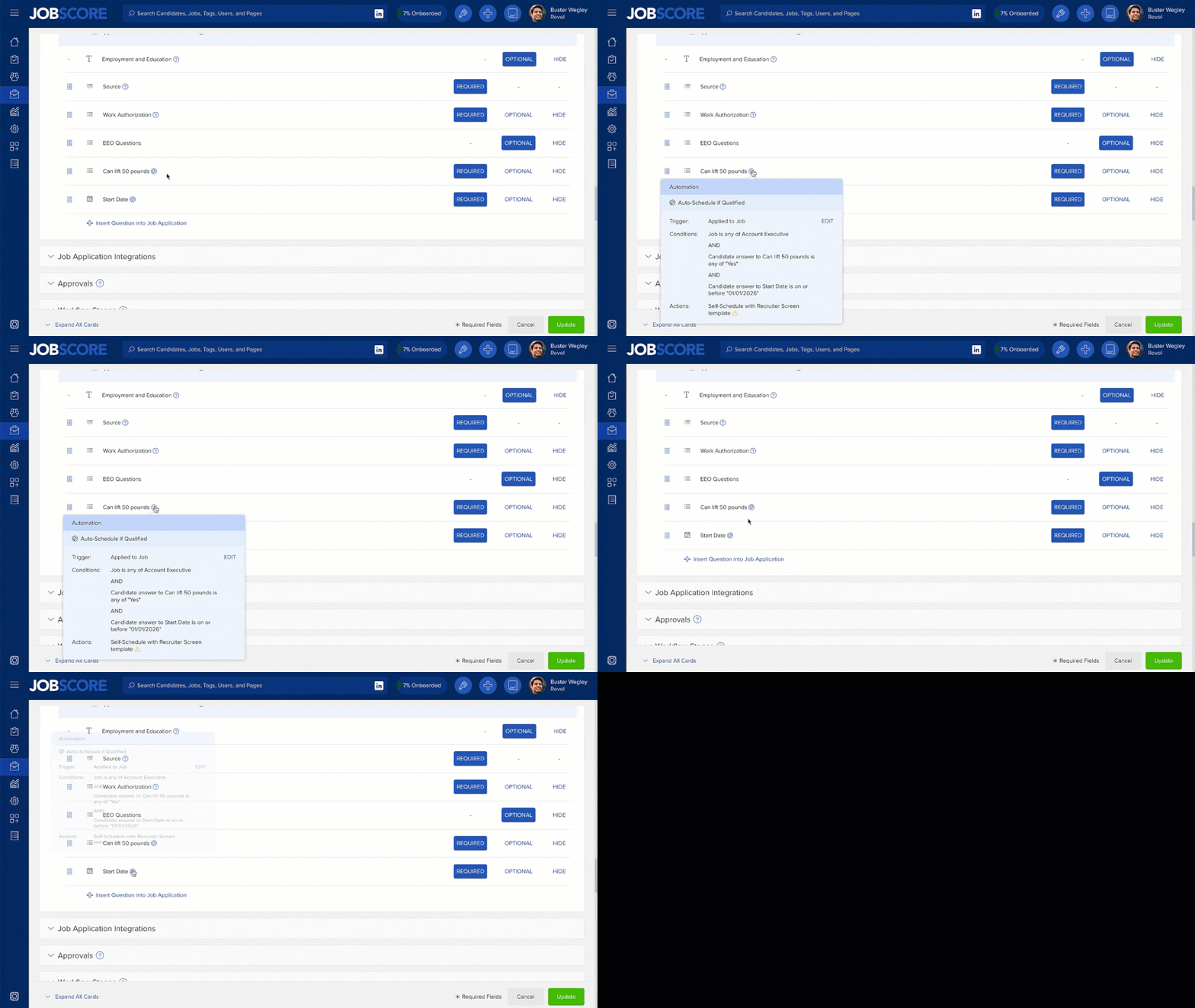
We recently released knockout questions that automatically disqualify candidates. JobScore now also supports knock-in questions…. because sometimes you’re 100% sure you want to move forward with an applicant.
For example, if you need to hire a second shift security guard in 2 weeks, chances are you‘ll want to speak with every candidate who:
- Lives a reasonable distance away.
- Can start in two weeks.
- Will work for the advertised salary range.
- Doesn’t have a criminal record.
- Has worked in a similar role before.
If a candidate provides the answers you want to these 5 questions, you don’t need to review their background… you want them to self-schedule an interview.
JobScore knock-in question automations provide complete control over:
- The actions that are performed. (send a candidate form, send a self-scheduling request, change a workflow stage)
- The conditions (jobs, questions and answers) when they occur.
You set up knock in questions just like knock out questions but you’ll choose to send them a candidate form to ask for more information (a secondary application) or ask them to self-schedule an interview.
When you choose a self-schedule option you have the ability to override who the candidates will schedule with:
Customers on the SCALE and ENTERPRISE plans can set up knock-in questions from the add/edit job form or from the automations page in the administrative console.
If you’d like a hand setting up your first knock-in automation, please email support@jobscore.com