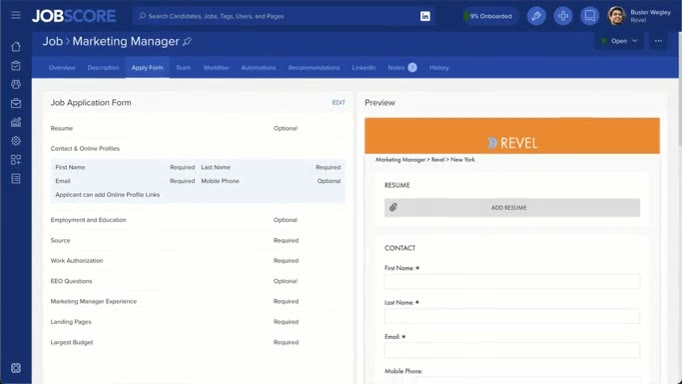
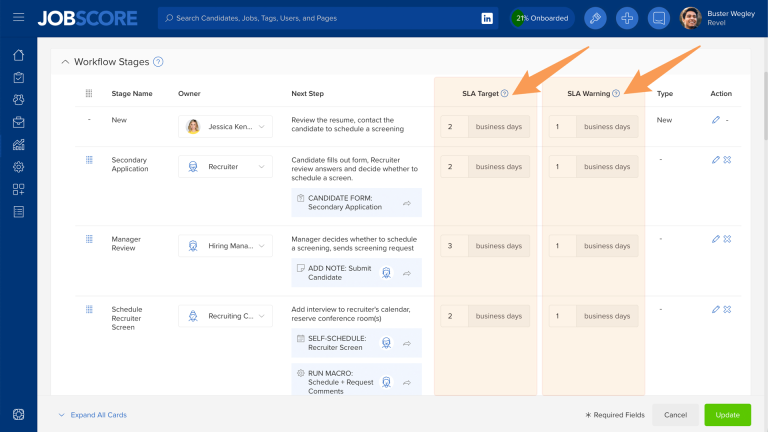
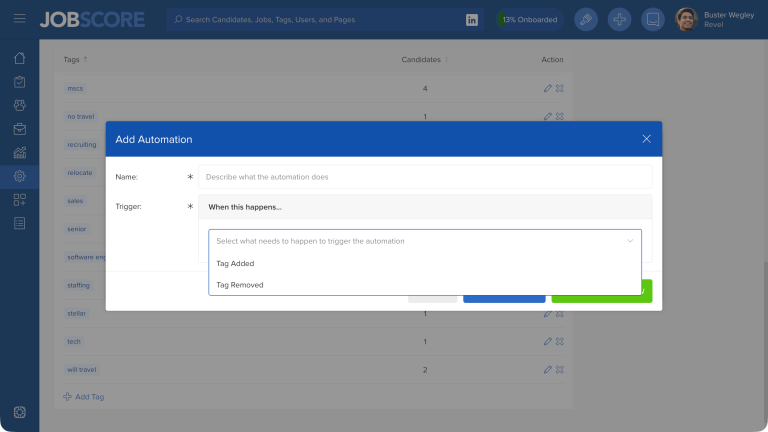
JobScore makes it easy to audit what happened on the candidate history tab, job history tab, and user history tab. We just improved the global history report, where you can audit what happened across your entire account.
We made it easier to regularly track activity by adding the ability to save and share filters on the history report:
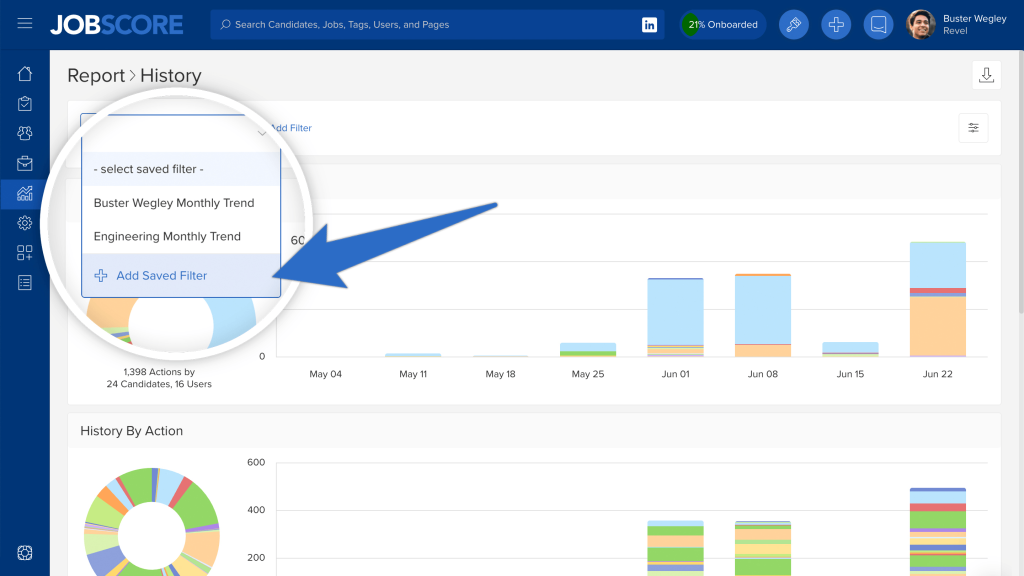
We’ve also added and improved the filters on the report:
- Jobs filter: Select any set of jobs, including custom lists, like jobs by department or jobs by location.
- Date Range filter: Compare date ranges to see if activity is trending up or down.
- Actions filter: Report on multiple actions instead of just one at a time.
- Actor filter: Zero in on what made actions happen: automations, candidates, search firm recruiters, or users.
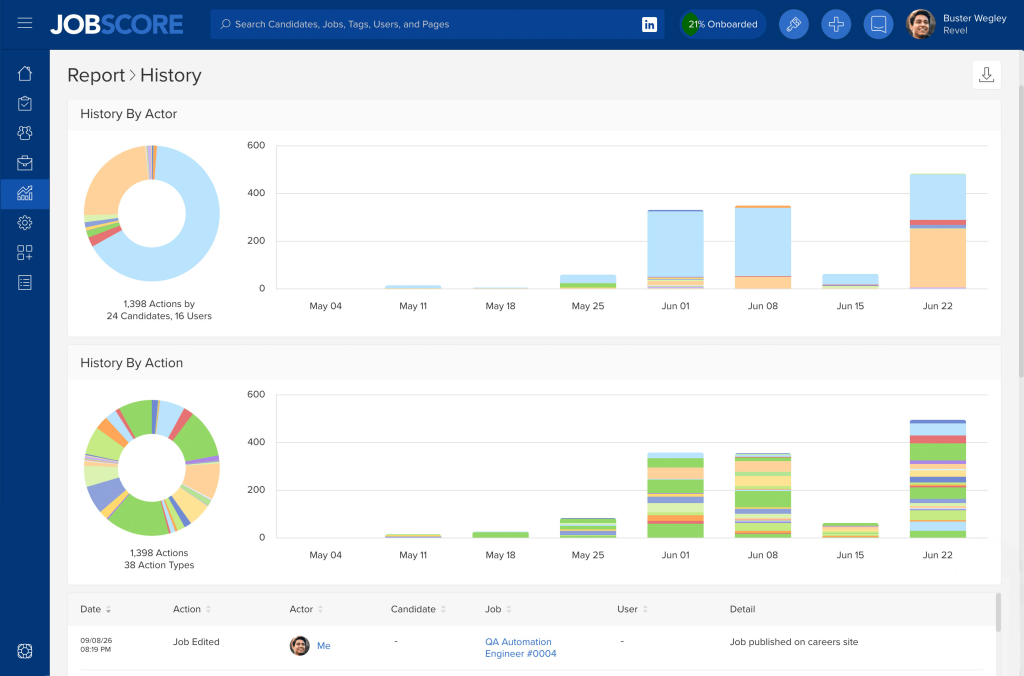
Finally, we’ve added charts that break down history by actor and history by action:
We hope that saving reports and measuring throughput on the history report helps your team build and sustain great data habits.