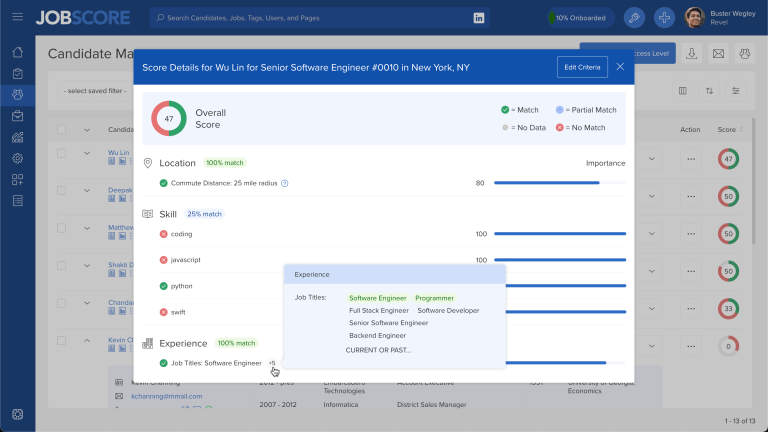
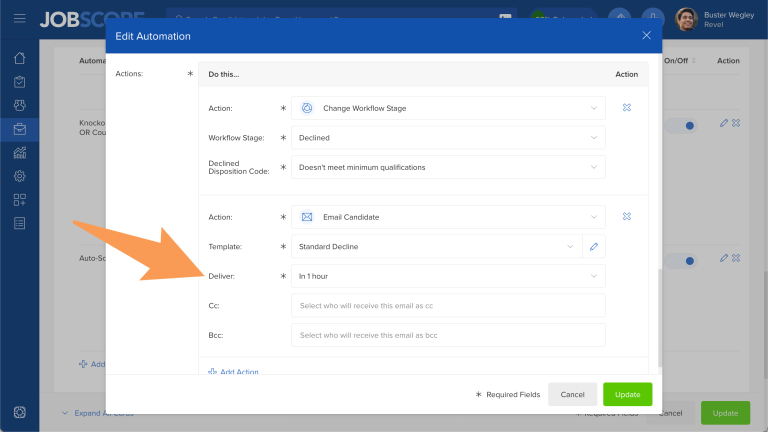
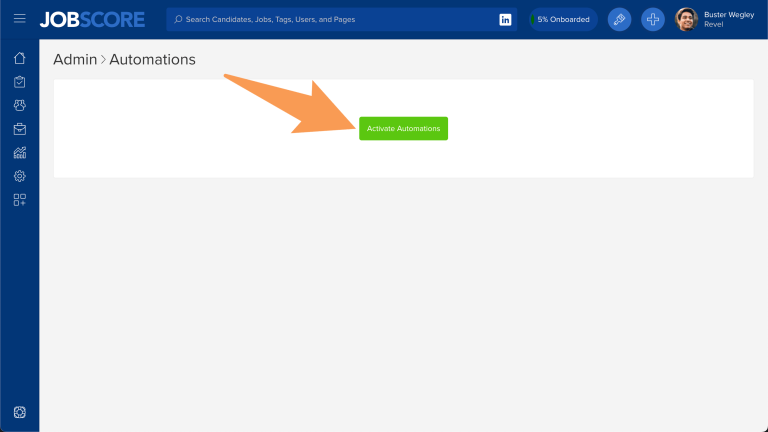
We recently launched automations with 2 triggers that help your recruiting workflow:
- The job application form completed trigger makes it easy to create knock out questions and knock in questions.
- The workflow stage changed trigger can send emails and notify coworkers when candidates are moved into specific stages.
Today we launched the tag added and tag removed triggers that allow you to run automations any time you want.
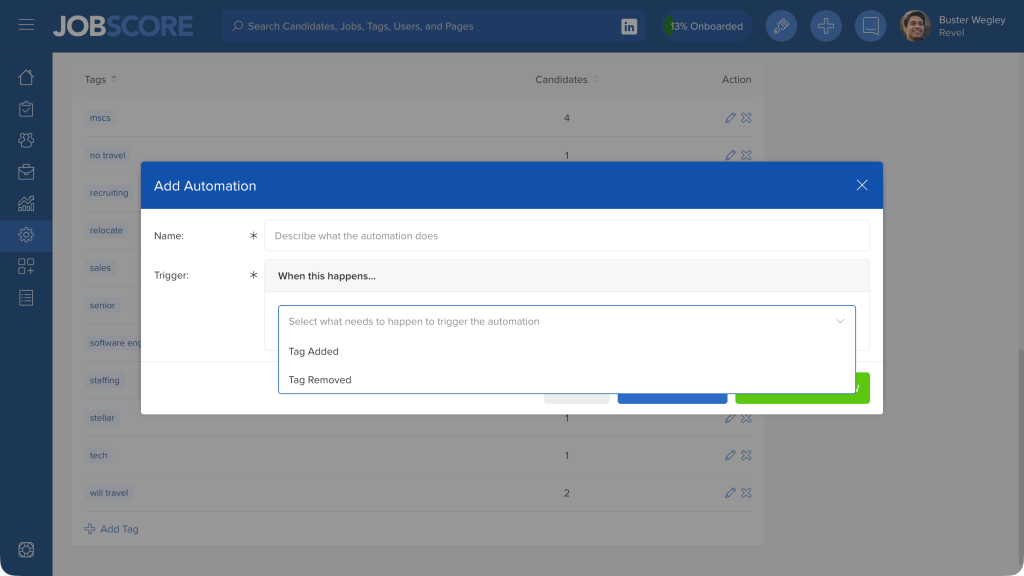
So now when you add or edit tags an automation icon will appear when there’s a chance an automation may run:
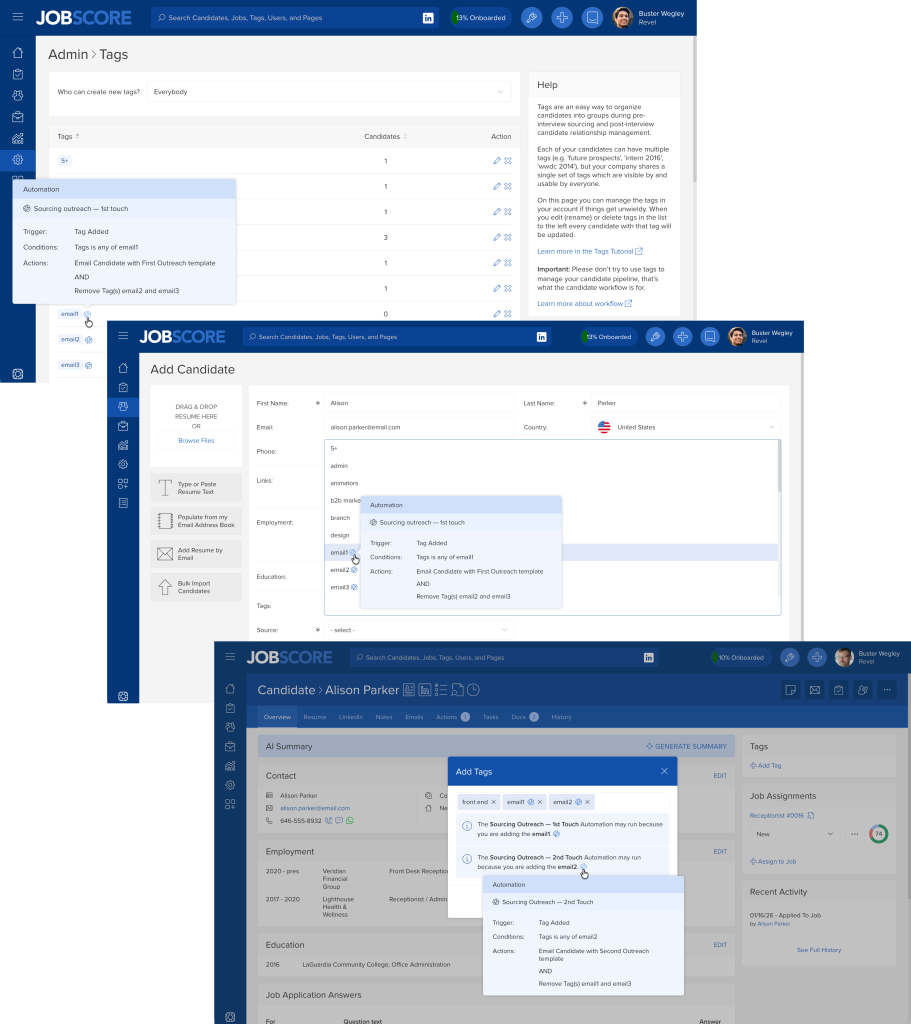
Tag Triggers can be used to daisy chain automations together… so, for instance, you could create an automation with an add tag action that triggers another automation with a tag added trigger.
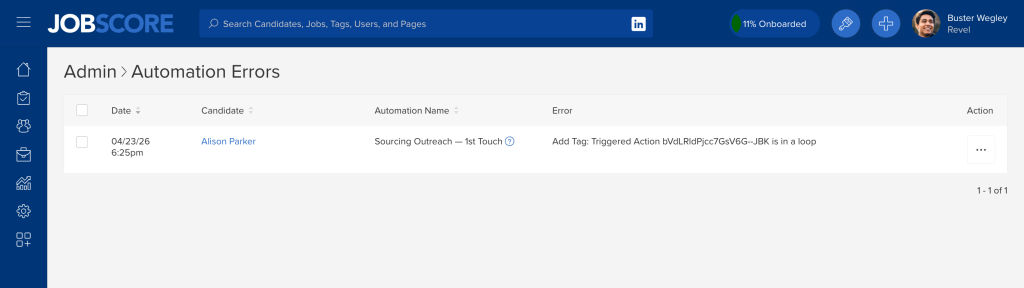
Fear not! JobScore will detect automation loops that could add and remove the same tag over and over. Loop errors will are logged and are discoverable on the Automation Errors Report.
Tag triggers are particularly useful when reaching out to candidates before you know if they are interested in a job. For example, you could create an automation where if you add a tag like “email3” other tags like “email1” or “email2” are removed… minimizing clicks and keeping your data clean.